Revolution Vibrant Visuals: Minecraft Bedrock Shader (Vibrant Visuals) Download and Review (2026)
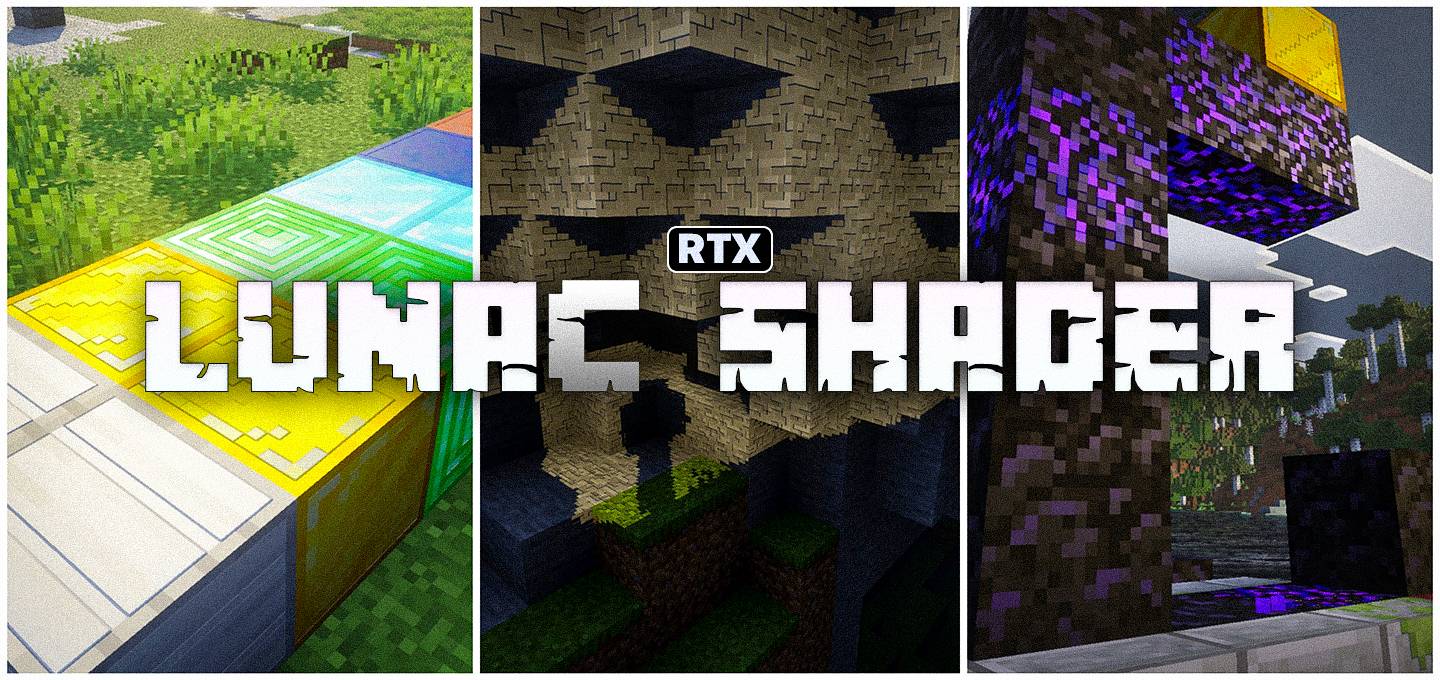
Renewed for 26.60: built to make Bedrock look as close to Java shaders as possible. Revolution Vibrant Visuals by Aleeee (uploaded by xchizax) is a Vibrant Visuals pack for Minecraft Bedrock Edition. It works on Windows, mobile and console...
 supershiftery
0
4
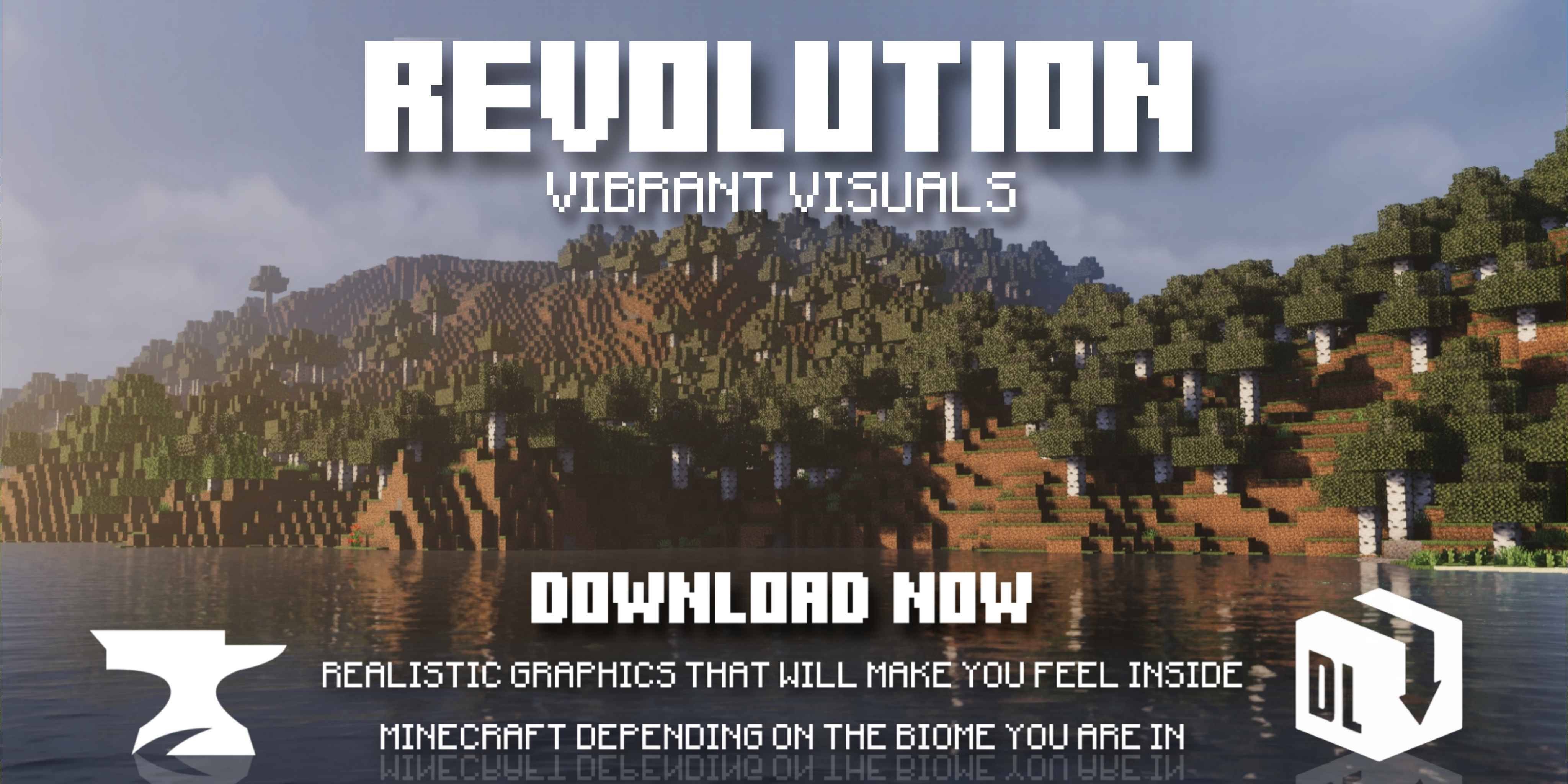
Renewed for 26.60: built to make Bedrock look as close to Java shaders as possible. Revolution Vibrant Visuals by Aleeee (uploaded by xchizax) is a Vibrant Visuals pack for Minecraft Bedrock Edition. It works on Windows, mobile and console with no injector or hacks, because it's a normal resource pack.
What makes it special
- Aims to look like Java Edition shaders using deferred lighting
- 'Realistic' version with static light
- Huge, active download base
At a glance
| Creator | Aleeee (uploaded by xchizax) |
|---|---|
| Works on | Minecraft Bedrock 26.60+ (Windows, Android, iOS, Xbox, PlayStation, Switch) |
| Downloads | 1.9M+ on CurseForge |
| Best for | Java players switching to Bedrock |
How to install
- Download the .mcpack below and open it. Minecraft imports it automatically.
- Settings > Global Resources > My Packs: activate it and move it to the top.
- Settings > Video > Graphics Mode: choose Vibrant Visuals.
FAQ
Is Revolution Vibrant Visuals free? Yes, it's free on CurseForge.
Does Revolution Vibrant Visuals need an RTX graphics card? No. Vibrant Visuals runs on regular PCs, phones and consoles.
Why does it look normal? Vibrant Visuals isn't turned on. Change Graphics Mode in Video settings.